5 Things You Need to Know About Running Ubuntu on a PS5 and Playing Steam Games
Imagine booting up your PlayStation 5 not just to play the latest exclusives, but to run a full Linux desktop and launch Steam games. Thanks to a new project by security engineer Andy Nguyen, this is now a reality—if your console is running an older firmware. The ps5-linux-boot project exploits a patched hypervisor vulnerability to give Ubuntu direct access to the PS5's powerful hardware, which includes eight Zen 2 CPU cores with 16 threads. While still unofficial and limited to specific firmware versions, it opens up exciting possibilities. Here are five key things you need to know about this hack.
1. What Is the ps5-linux-boot Project?
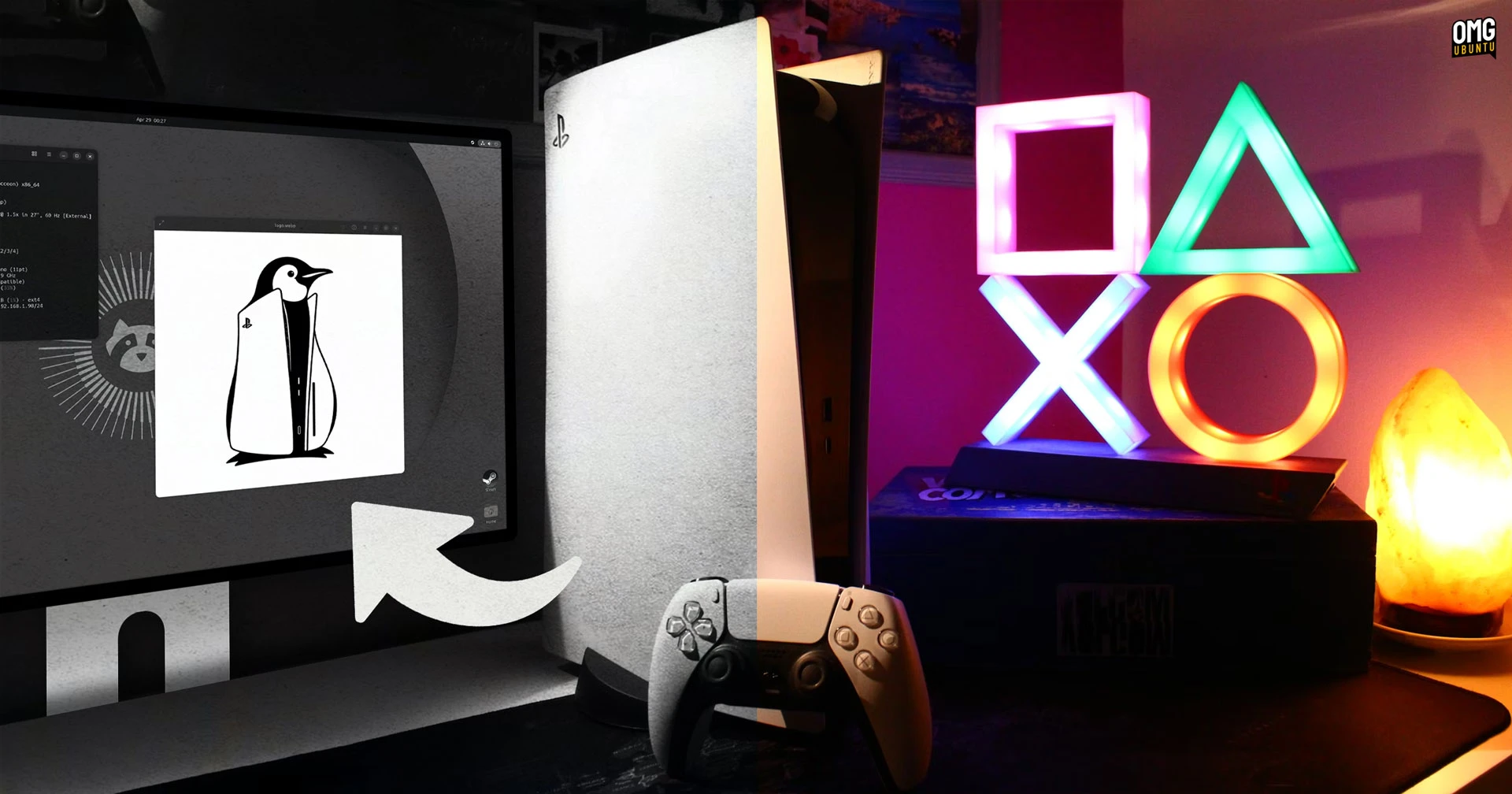
Originally developed by security researcher Andy Nguyen, the ps5-linux-boot project allows users to boot Ubuntu Linux directly on a PlayStation 5. Nguyen announced a public release on his GitHub, describing it as a way to turn your “PS5 Phat console on 3.xx and 4.xx [Firmware] into a fully functional Linux PC gaming device.” The project is completely unofficial, meaning Sony does not support it, and it voids your warranty. It works by exploiting a vulnerability in the PS5's hypervisor to bypass system restrictions and give Linux low-level hardware access. This isn't a dual-boot setup; it replaces the PS5 OS with Linux while running, so you'll need to reboot to use your console for gaming normally.

2. What Firmware Versions Are Required?
To use this hack, your PS5 must be running firmware version 3.xx or 4.xx (specifically, 3.00, 3.20, 4.00, 4.03, or 4.50). These older firmware versions contain a hypervisor vulnerability that has since been patched by Sony in later updates. If your console has been updated beyond 4.50, you are out of luck—for now. This limitation means that only early adopters who deliberately avoided updates can try the project. Importantly, the vulnerability only exists on the original “Phat” PS5 model; the revised “Slim” models or the PS5 Pro are not supported. If your system is on a compatible firmware, you need to ensure you never connect to the internet and update, otherwise you'll lose the ability to boot Linux.
3. How Does It Access PS5 Hardware?
The key to the project is exploiting a vulnerability in the PS5's hypervisor—the layer that separates the operating system from the underlying hardware. By patching this vulnerability, Linux gains direct access to the console's AMD Zen 2 CPU (with 8 cores and 16 threads), its custom RDNA 2 GPU, and its 16 GB of GDDR6 RAM. This is a huge improvement over earlier console Linux projects (like on PS4) which ran in a sandboxed environment with limited performance. With direct hardware access, Ubuntu can fully utilize the PS5's processing power, enabling tasks like compiling code, running virtual machines, or playing Steam games via Proton. However, GPU drivers are still experimental, and some graphics features may not work perfectly.
4. Can It Really Play Steam Games?
Yes—Nguyen demonstrated running Steam on Ubuntu and loading several PC games. Using Valve's Proton compatibility layer (Linux version of Steam Play), many Windows games can run on the PS5's Linux setup. Performance varies: older or lightweight games (like Portal or Hollow Knight) run smoothly, while newer AAA titles may struggle due to the immature GPU drivers. The PS5's RDNA 2 GPU is powerful, but Linux drivers for it are not as mature as on Windows or PlayStation's own OS. Expect occasional graphical glitches or lower frame rates compared to running the same game on a modern Linux PC. Additionally, you need to install Steam manually—it's not pre-installed—and ensure you have enough storage space on an external drive or internal SSD (which requires a modified boot process).
5. What Are the Risks and Limitations?
Using this hack carries significant risks. First, it voids your Sony warranty. Second, installing Linux overwrites certain system partitions, so if you want to go back to normal PlayStation operation, you may need to reinstall the official firmware using a recovery mode—though that requires a compatible firmware version. Third, your console must never be updated via the internet, meaning you can't access PSN or play online games without bricking the vulnerability. Fourth, the project is in early stages: GPU drivers, audio, and USB controller support are still being worked on. Finally, Sony could issue further patches (for future firmware) that completely close this hole, but they can't retroactively patch your console if you stay offline. For tinkerers, it's a cool proof of concept; for casual users, it's best to wait for a more polished solution.
Conclusion: A New Frontier for Console Hacking
Running Ubuntu on a PS5 and playing Steam games is an impressive technical achievement that showcases the potential of console hardware when freed from its locked ecosystem. While limited to early firmware versions and still rough around the edges, the ps5-linux-boot project opens the door for developers, enthusiasts, and privacy-minded users who want a powerful, compact Linux PC. As the community refines drivers and expands compatibility, we may see this become a viable alternative for those who want both a gaming console and a desktop workstation in one box. For now, it's a glimpse into what's possible—and a reminder that no console is truly un-hackable.
Related Articles
- 10 Reasons the Vivo X300 Ultra Is Pushing Samsung to Innovate Faster
- How Capcom Revived Resident Evil: A Step-by-Step Guide to Crafting a Modern Horror Masterpiece
- How to Decode Nintendo's Switch 2 Price Rise and Plan Your Next Move
- PlayStation Reportedly Halts PC Ports for Narrative-Driven Singleplayer Games
- The State of Metroidvanias in 2024: Quality Games, Diminishing Buzz
- Neowiz Expands Soulslike Portfolio: Lies of P Sequel and New RPG in Development
- Outward 2 Unveils Summer 2025 Early Access with Quirky 'Potato Specs' Trailer
- Outward 2's 'Potato Mode' Ensures Even Ancient PCs Can Play the Open-World RPG