The Ongoing Struggle of Cross-Device File Sharing
Sharing files between your own devices should be effortless, but modern computing has turned this once-simple task into a frustrating ordeal. From smartphones and laptops to desktops and tablets, the sheer number of gadgets we own creates a data chaos that older systems handled with ease. This Q&A explores why moving a file from one device to another remains a pain point, how we got here, and what we can learn from the past.
1. Why is sharing files between devices still so difficult?
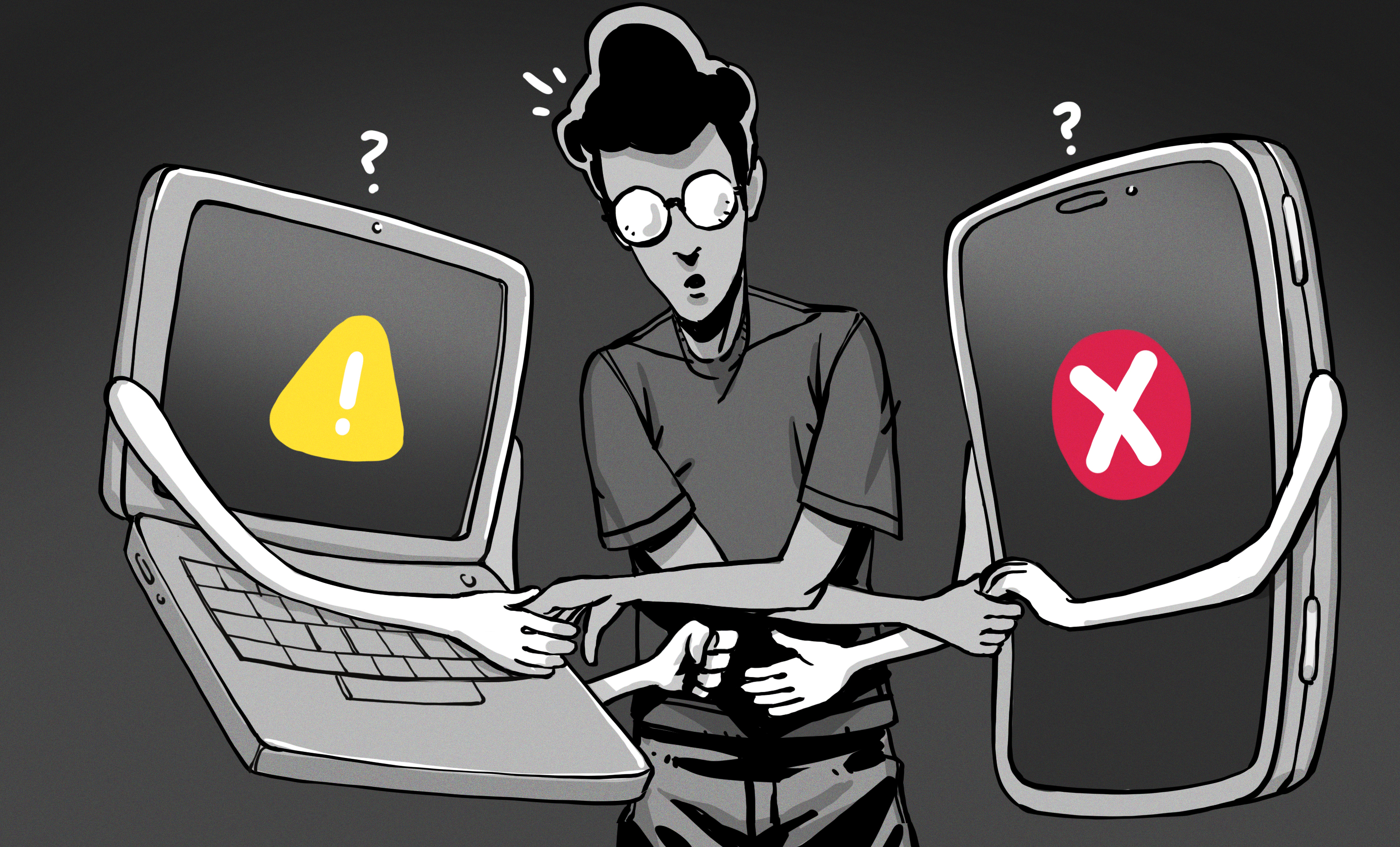
Modern devices are packed with connectivity options like Wi-Fi, Bluetooth, and USB, yet moving a single photo or document often requires jumping through multiple hoops. Operating systems have become more security-conscious, which means simpler sharing methods from the past—like network shares—are now locked down or hidden behind complex menus. For example, plugging an Android phone into a PC involves navigating several screens to enable file transfer mode, while iPhones require third-party software to “import” images. Additionally, cloud services like Dropbox or Google Drive add steps: you upload to one service, then download on another, often cluttering your storage or inbox. The abundance of options—email, Bluetooth pairing, proprietary apps, or USB—creates confusion rather than convenience. Ultimately, the lack of a universal, one-tap protocol forces users to adapt to each gadget’s quirks, making cross-device sharing a time-consuming hassle.
2. What made file sharing easier in the past, like with Windows 9x?
Back in the Windows 9x era, home networking was straightforward. Setting up a shared folder on one PC and accessing it from another required minimal configuration—just a few clicks in Network Neighborhood. Permissions were simple, and security was lax by today’s standards, but that trade-off meant files transferred seamlessly across devices on the same home network. Sneakernet (using floppy disks) was also common and intuitive: you popped a disk into one machine, saved files, ejected, and inserted into another. No companion apps, no pairing codes, no cloud uploads. The same ease applied to digital cameras and MP3 players of that time—they often appeared as removable drives on a computer, allowing drag-and-drop transfers without extra software. The key takeaway is that older systems prioritized user experience over security, making sharing feel natural. Today’s layered security measures, while necessary, have introduced friction that didn’t exist when computing was simpler.
3. How does moving a photo from a smartphone to a computer illustrate the problem?
Transferring a JPEG from a smartphone to a desktop is a perfect example of the modern sharing nightmare. With an Android device, you connect via USB and must tap through several menus to change the connection mode from “charging only” to “file transfer.” Even then, different Android versions may require additional confirmations. For an iPhone, you need to use the Photos app or a third-party tool like Image Capture on macOS—and on Windows, you have to rely on the outdated “Import” wizard or install iTunes. Bluetooth is an alternative, but pairing often fails on the first attempt, and transfer speeds are painfully slow (a single photo can take seconds, a batch minutes). Cloud services complicate matters: you either upload to iCloud, Google Photos, or email the image to yourself, which clutters your inbox. Each method demands hunting through settings or apps, turning a simple two-second task into a multi-step process. This friction highlights how far we’ve strayed from the plug-and-play convenience of older devices.
4. What role do connectivity technologies like Wi-Fi and Bluetooth play in modern device sharing?
Wi-Fi and Bluetooth are almost universally present in today’s devices, theoretically making wireless file sharing easy. In practice, these technologies add layers of complexity. Bluetooth requires pairing, which involves discovering devices, entering PINs, and hoping the connection sticks. Transfer speeds over Bluetooth are glacial—often less than 1 MB/s—and the process is prone to interruptions. Wi-Fi Direct offers faster speeds but isn’t consistently implemented across platforms. Even network-based sharing via a local Wi-Fi network is cumbersome: you must ensure all devices are on the same subnet, configure firewall settings, and in many cases, use a third-party app like AirDrop (Apple) or Nearby Share (Android), which only work within their respective ecosystems. The underlying networking protocols (TCP/IP, DHCP, etc.) handle connecting devices to the internet beautifully, but they were never optimized for simple peer-to-peer file transfers. The result is a patchwork of incompatible solutions that force users to learn workarounds for each combination of devices.
5. Are there any workarounds for transferring files between devices?
Users have cobbled together various workarounds to bypass the built-in limitations. Cloud storage services (Dropbox, Google Drive, OneDrive) are popular: you upload a file from one device and download it from another, but this requires internet access and uses storage quota, plus files aren’t instantly available. Email remains a fallback—attaching files to yourself—but this clutters your inbox and has file size limits. Some manufacturers offer proprietary apps (e.g., Samsung Smart Switch, Huawei Share) that work only with their own devices. Network-attached storage (NAS) provides a centralized solution, but setting it up requires technical know-how. For frequent transfers, users might employ USB flash drives or external hard drives—essentially modern sneakernets. While these workarounds function, none is as seamless as the old floppy disk or simple network share. The lack of a universal standard means you often end up juggling multiple methods, each with its own quirks, rather than having one reliable way to move files.
6. What can we learn from the simplicity of older systems to improve cross-device sharing?
The key lesson from the Windows 9x and Macintosh era is that user experience trumped security when sharing files. Devices then appeared as simple drives or network shares with minimal friction. Modern designers could adopt a similar philosophy: implement a universal protocol that treats all connected devices as easily accessible storage, akin to the old “mount” concept. Operating systems should prioritize one-tap connections over multi-step dialogs. For example, when a USB cable is plugged in, the default action could be file transfer (with a clear security warning) rather than charging only. Bluetooth could default to trusted pairing for devices on the same account. Cloud services could offer local peer-to-peer fallbacks that don’t require internet. The success of Apple’s AirDrop shows that an ecosystem-wide solution works when designed well. The industry needs to agree on a cross-platform standard that balances security with the simplicity that users remember from floppy disks and shared folders. Until then, we’ll keep struggling with the unnecessary complexities of modern file sharing.
Related Articles
- Turla Upgrades Kazuar Backdoor Into a Modular P2P Botnet for Stealthy Long-Term Access
- A Step-by-Step Guide to Meta's Backup Key Vault Security Enhancements
- Critical Avada Builder Flaws Expose 1 Million WordPress Sites to Credential Theft
- Defending Against Evolving Ransomware Threats in 2026: A Comprehensive Guide
- Germany Reemerges as Europe's Prime Cyber Extortion Target in 2025
- The Fall of a Cyber Thief: 10 Key Facts About the 'Scattered Spider' Member Who Pleaded Guilty
- Canvas Cyberattack Exposes Persistent Security Gaps in Education Technology
- How to Mitigate the PAN-OS Captive Portal Zero-Day (CVE-2026-0300) Exploit