How to Get the Most Out of Claude Pro: A Step-by-Step Guide to Integrating It Into Your Daily Workflow
Introduction
Claude Pro has quickly become one of the most talked-about AI assistants, and for good reason. It’s powerful, versatile, and handles tasks like research and design back-and-forth better than many other tools. But even the best tools have room for improvement. This guide will walk you through how to integrate Claude Pro into your daily routine, maximize its strengths, and work around its current limitations so you get the most value from your subscription.

What You Need
- An active Claude Pro subscription – The paid plan unlocks longer conversations, priority access, and more advanced capabilities.
- Clear project goals – Know what you want to achieve (research, content drafting, design iterations, etc.).
- A list of your daily tasks – Identify repetitive or time-consuming activities where AI can help.
- Backup tools – For features Claude Pro doesn’t yet support (e.g., image generation, real-time web search).
- Patience and experimentation – Getting the best out of any AI requires tweaking prompts and workflows.
Step-by-Step Guide
Step 1: Understand Claude Pro’s Core Strengths
Before you dive in, recognize what Claude Pro does exceptionally well. It excels at complex reasoning, research synthesis, and iterative design discussions. Unlike some AI models, Claude can maintain context over long conversations, making it ideal for projects that require back-and-forth refinement. Take note of the tasks where you already find it indispensable—these will be your anchor use cases.
Step 2: Map Your Workflow and Identify Gaps
List out your typical daily or weekly tasks. Which ones involve reading, summarizing, brainstorming, or drafting? Which are purely creative or data-driven? For each task, ask: “Can Claude Pro help here?”. For instance, if you spend hours researching market trends, Claude can digest reports and give you concise insights. But if you need real-time web data or image generation, you’ll need a complementary tool. This mapping helps you use Claude Pro where it shines and avoid frustration where it falls short.
Step 3: Start with One Core Use Case
Don’t try to use Claude Pro for everything at once. Pick the most impactful task—like research synthesis—and build a habit around it. For example, each morning, feed Claude a set of articles or documents and ask for a summary with key takeaways. Then refine the output by asking follow-up questions. This builds trust and shows you how Claude handles nuance. Once that’s smooth, add a second use case, such as drafting emails or brainstorming content outlines.
Step 4: Leverage Iterative Conversation for Design and Refinement
Claude Pro’s strength lies in its ability to handle long, nuanced dialogues. Use this for design projects. Start with a rough idea: “I need a landing page copy for a productivity app. The target audience is remote workers.” Then go back and forth—ask for a bold version, a professional version, a short version. Each iteration builds on the last. Tip: Keep a running document of your best prompts so you can reuse them.
Step 5: Acknowledge Missing Features and Work Around Them
No tool is perfect. Claude Pro currently lacks real-time web browsing (though it has some support), image generation, and direct API integrations with many third-party apps. Instead of switching entirely, create a hybrid workflow. For web research, use a browser plugin or Perplexity AI, then feed the results into Claude for analysis. For images, use DALL·E or Midjourney, then ask Claude to critique or refine the design concept. This way, Claude remains your central reasoning engine while other tools handle specialized tasks.
Step 6: Optimize Your Prompting Strategy
Well-structured prompts yield better results. Use the following framework:
- Context – Give background and goal (e.g., “I’m writing a blog post for tech executives about AI ethics.”)
- Specifics – Mention tone, length, format (e.g., “Use a professional but approachable tone, 300 words, with bullet points.”)
- Constraints – Define what to avoid (e.g., “Don’t use jargon, and avoid mentioning specific products.”)
- Iteration – After the first response, refine with “Make it more concise”, “Add an example”, or “Explain this paragraph differently.”
Experiment with different styles. Sometimes asking Claude to “role-play” as a subject matter expert yields more targeted answers.
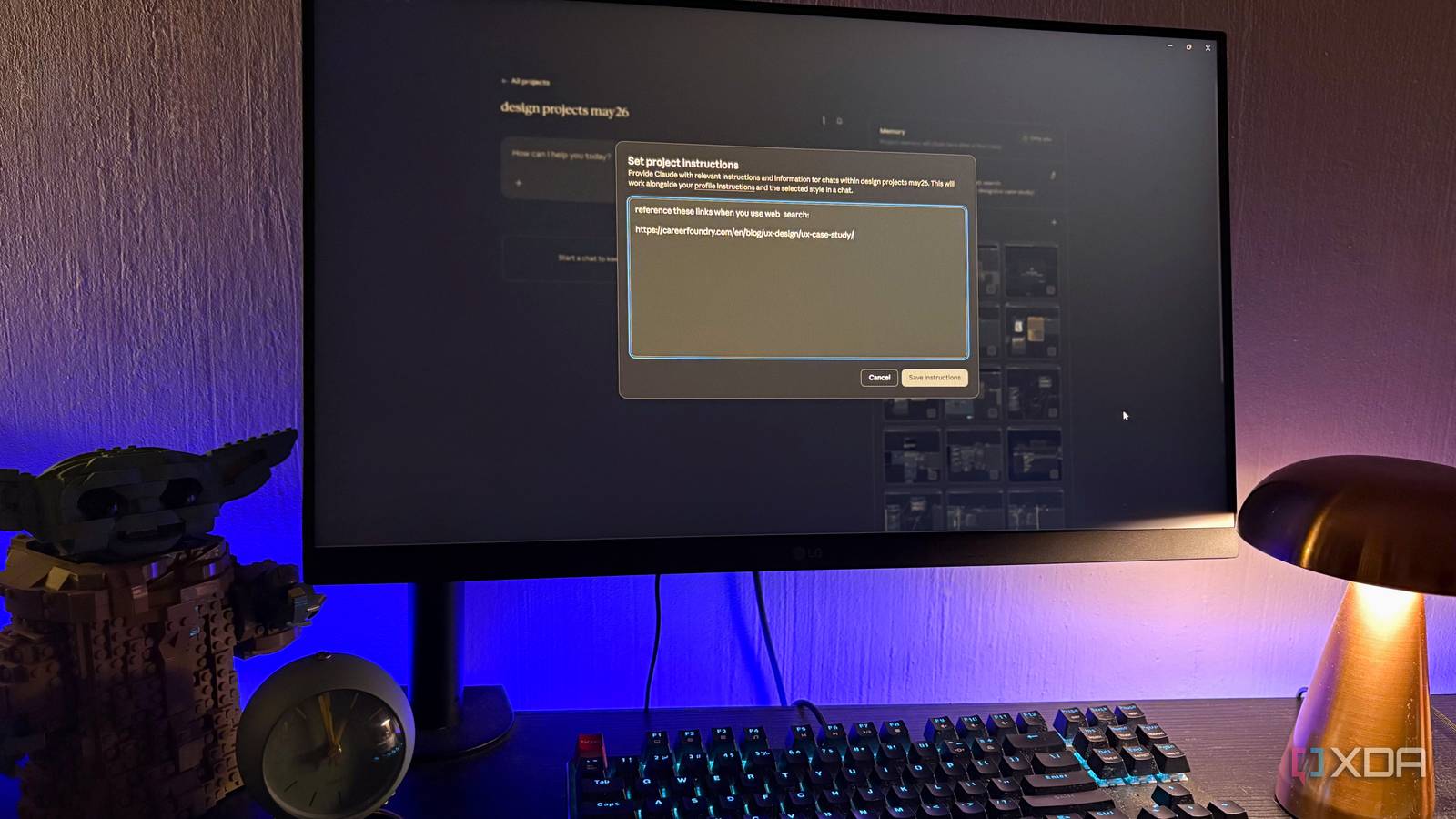
Step 7: Build a Personal Knowledge Base with Claude Pro
Claude Pro can remember context within a session but doesn’t have persistent memory across sessions. To overcome this, create your own project briefs or knowledge documents. At the start of each conversation, paste a summary of your past work, key terms, or preferences. For example, if you frequently research climate tech, start with: “I’m a product manager at a clean energy startup. Our current focus is battery storage. Use this context for all answers today.” This primes Claude to deliver more relevant responses without repeating history.
Step 8: Review, Measure, and Iterate Your Usage
After a week of using Claude Pro in your workflow, evaluate its impact. Ask yourself:
- Did it save me time? How much?
- Which tasks still required manual rework?
- Are there new features (like Claude’s projects or artifacts) I haven’t explored?
Adjust your approach. Maybe you need to use Claude’s system prompt to set a default persona, or perhaps you should use multi-turn refinement more aggressively. Keep a log of what works and what doesn’t.
Tips for Success
- Don’t over-rely on Claude for real-time data. Use more specialized tools for that, then feed results back to Claude for analysis.
- Use clear, structured language in prompts. Short, vague requests often lead to generic responses.
- Combine Claude Pro with other AI tools. For example, use ChatGPT for quick creative brainstorming and Claude for deep research. Each has its sweet spot.
- Keep a “prompt library.” Save high-performing prompts and templates to speed up frequent tasks.
- Explore Claude’s “Projects” feature. If available, it lets you organize conversations and share context across a team.
- Give feedback to Anthropic. The more users share what features they want, the faster Claude Pro improves. Use the feedback button to suggest missing capabilities.
- Take breaks. AI fatigue is real. Use Claude Pro as an assistant, not a replacement for critical thinking. Verify important facts.
By following these steps, you can turn Claude Pro into a indispensable daily tool while staying aware of its current boundaries. The goal isn’t to replace your entire stack—it’s to make Claude the central reasoning hub that coordinates your other tools. With time, as Anthropic adds more features, your workflow will only get smoother.
Related Articles
- Navigating Tesla's Future: A Step-by-Step Guide to Understanding the $10 Trillion Opportunity and Why TSLA Could Be a Buy Before 2029
- Navigating the Post-Quantum Cryptography Transition: Meta’s Migration Framework and Key Lessons
- How to Interpret Cisco's Earnings Beat and Job Cuts in the Age of AI
- 5 Key Reasons Labor Unions and Bankers Are Opposing the Senate Crypto Clarity Act
- A Shift in the Housing Market: Why Buyers Might Find Better Opportunities Now
- SoundHound AI: Analyzing the Stock Dip Amid Surging Revenue
- Boltz Introduces Trustless USDC Swaps: A Direct Bridge Between Bitcoin and Circle’s Regulated Stablecoin
- Crypto Market Resurgence: Record ETF Inflows, Regulatory Progress, and Altcoin Gains