Unlocking Next-Gen Cloud Gaming: A Guide to GeForce NOW's May 2025 Games and RTX 5080 Performance
Overview
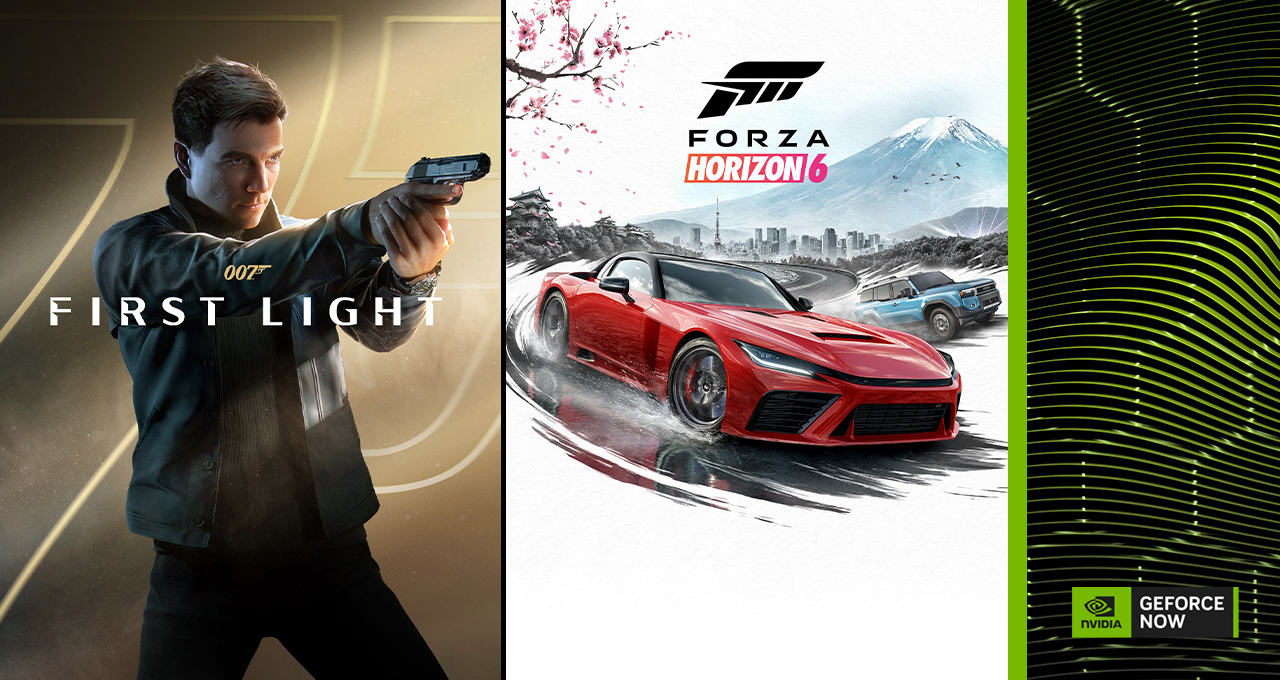
Cloud gaming continues to evolve at a breathtaking pace, and NVIDIA GeForce NOW is once again raising the bar. This May, the platform welcomes 16 new titles, including the highly anticipated Forza Horizon 6 and 007 First Light, both available on their launch days. Even more exciting, Ultimate members now gain expanded access to GeForce RTX 5080-class performance, delivering higher frame rates, richer visuals, and lower latency across an ever-growing library. This guide walks you through everything you need to know to take full advantage of these updates—from setting up your account to optimizing your streaming experience. Whether you're a longtime member or just exploring cloud gaming, these steps will help you make the most of May's cloud-powered adventures.
Prerequisites
Before diving into the new games and hardware upgrades, ensure you have the following in place:
- GeForce NOW account: Choose between Free, Priority, or Ultimate membership. For RTX 5080-class rigs, Ultimate is required.
- Compatible device: Windows or macOS PC, NVIDIA Shield TV, Android phone/tablet, Chromebook, or supported smart TVs. See the full list at NVIDIA's site.
- Stable internet connection: At least 15 Mbps for 720p; 25 Mbps for 1080p; 40+ Mbps for 4K or high-refresh-rate streaming.
- Gaming store accounts: Link your Steam, Xbox (PC Game Pass), Epic Games, or GOG accounts to GeForce NOW. Most titles are purchased separately from those stores.
- Up-to-date browser or app: Use the latest version of Chrome, Edge, or the dedicated GeForce NOW app for best performance.
Step-by-Step Guide to Streaming May’s New Games with RTX 5080 Power
Step 1: Upgrade to Ultimate Membership
To unlock the full potential of RTX 5080-class rigs, you need an Ultimate membership. Here's how:
- Log into your GeForce NOW account at play.geforcenow.com.
- Go to Settings > Membership.
- Select Ultimate and complete payment (monthly or 6-month plan available).
- Once activated, your sessions will automatically prioritize RTX 5080-equivalent servers when available.
Step 2: Link Your Game Stores
New titles like Forza Horizon 6 and 007 First Light are purchased from Steam, Xbox (PC Game Pass), or GOG. Link your accounts:
- On the GeForce NOW dashboard, click your avatar > Settings.
- Under Connected Accounts, click Connect for each store you use.
- Follow the browser prompts to authorize and sync your library.
- Once linked, your owned games will appear in the GeForce NOW library automatically.
Step 3: Find and Launch May’s Highlight Titles
With accounts linked, search for the new arrivals:
- Forza Horizon 6: Use the search bar to find it. Released on its launch day, this title takes you to Horizon Japan with the most dense and vertical map yet. Click Play and choose your preferred streaming quality.
- 007 First Light: Releases Wednesday, May 27. A James Bond origin story from IO Interactive, blending stealth, action, and creative improvisation. Launch it the same way—no download needed.
- Six games drop in the first week of May; the full list of 16 arrives throughout the month. Check the What’s New tab in the app for updates.
Step 4: Optimize Streaming for RTX 5080 Performance
To fully leverage the expanded RTX 5080-class power:
- In the GeForce NOW app, go to Settings > Streaming Quality.
- Select Custom and set Resolution (up to 4K), Frame Rate (up to 240 Hz on supported devices), and Bitrate (50 Mbps recommended for high-end streaming).
- Enable Reflex for lower latency and DLSS if supported by the game (via in-game settings).
- For the best experience, use a wired Ethernet connection or 5GHz Wi-Fi.
Step 5: Explore Additional Benefits – Firaxis 30th Anniversary
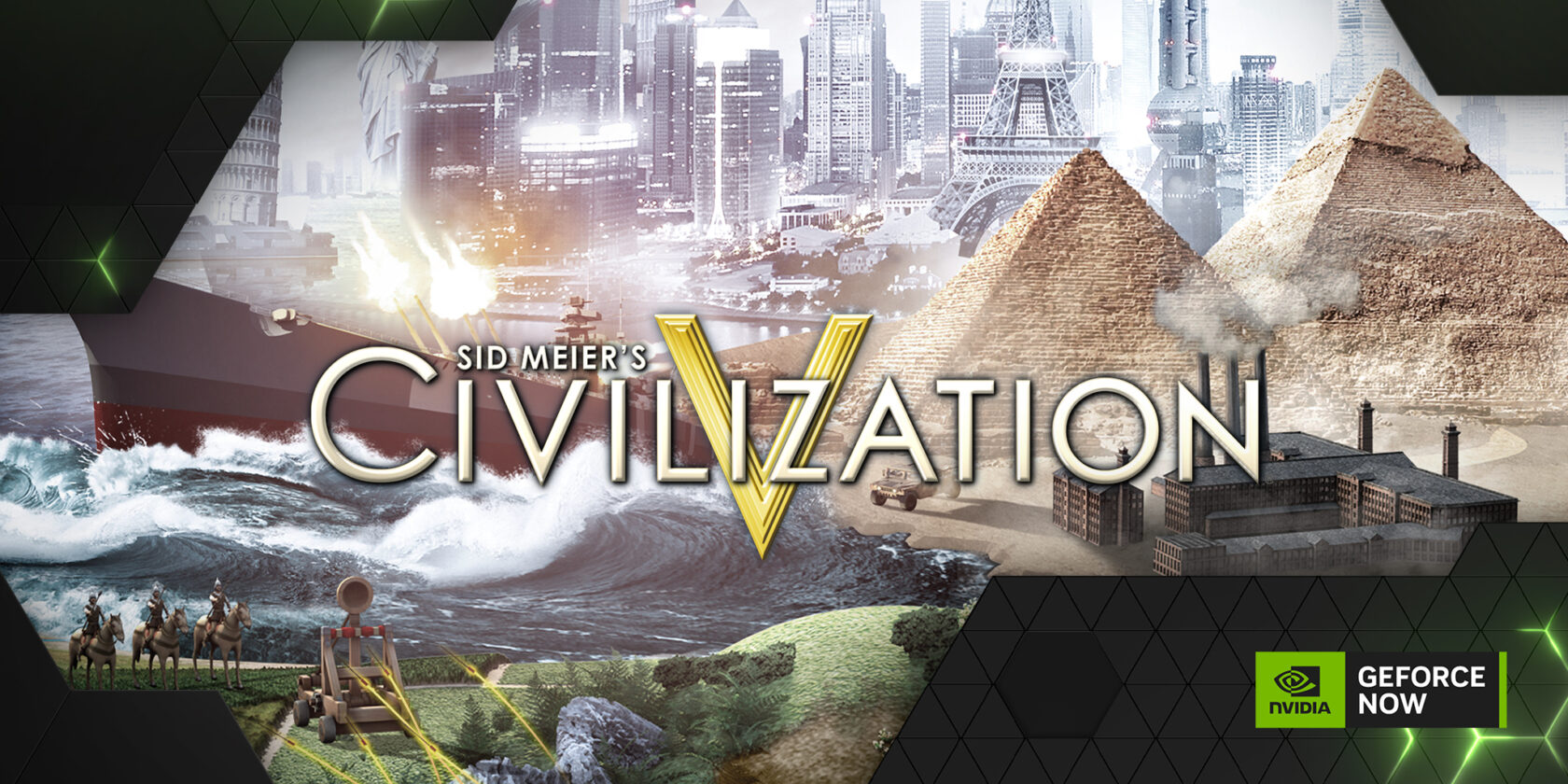
GeForce NOW is celebrating 30 years of Firaxis with Install-to-Play titles. These are games that require a short download of their launcher, but can then be streamed instantly. To access them:
- In the GeForce NOW library, filter by Install-to-Play or search for Firaxis titles like Sid Meier’s Civilization VI or XCOM 2.
- Click Play; the system will guide you through a one-time launcher installation.
- After that, launch times are reduced and you can stream seamlessly. Look out for a Steam sale on select Firaxis games during May.
Common Mistakes
- Not linking accounts properly: Your games won’t appear if accounts are not synced. Double-check the connection status in settings.
- Ignoring network requirements: Streaming at 4K with RTX 5080 performance demands higher bandwidth. If you experience stuttering, lower the bitrate or resolution.
- Assuming Free membership includes RTX 5080: Only Ultimate members get priority access to RTX 5080-class rigs. Free members may be assigned older hardware.
- Forgetting to purchase the game: GeForce NOW streams games you already own. Buying titles from Steam, Xbox, etc., is separate from the membership.
- Overlooking device compatibility: Some older devices may not support 4K or high frame rates. Check your device specs in the GeForce NOW app.
Summary
May 2025 is a landmark month for GeForce NOW, with 16 new games hitting the cloud and Ultimate members gaining expanded RTX 5080-class performance. By upgrading your membership, linking your game store accounts, and optimizing your streaming settings, you can enjoy Forza Horizon 6 and 007 First Light on launch day with cutting-edge visuals and responsiveness. Remember to avoid common pitfalls like account mismatches or insufficient internet speeds. With this guide, you’re set to experience next-generation cloud gaming from virtually any device.
Related Articles
- How to Dominate as a City-Smashing Monster in You Are the Monster
- Why the 007 First Light PS5 Controller Breaks from the Classic Barrel Design
- Staff Game Diaries: From Cyberpunk Paris to Fishing Obsessions
- 10 Ways Reality Fracture Redefines Magic: The Gathering's Multiverse
- Honoring a Hero: 5 Key Facts About Chris Cassidy's Charity Bundle in Call of Duty
- Tech Roundup: OpenAI’s Phone Ambitions, Valve’s New Steam Machine, and the End of Copilot on Xbox
- Resident Evil Director Hints at Leon Kennedy's Return at Age 70: 'He's Got What It Takes'
- Stranger Than Heaven: New Details, Release Window, and Game Pass Confirmation