From QDOS to Open Source: Your Step-by-Step Guide to Building MS-DOS 1.0
Overview
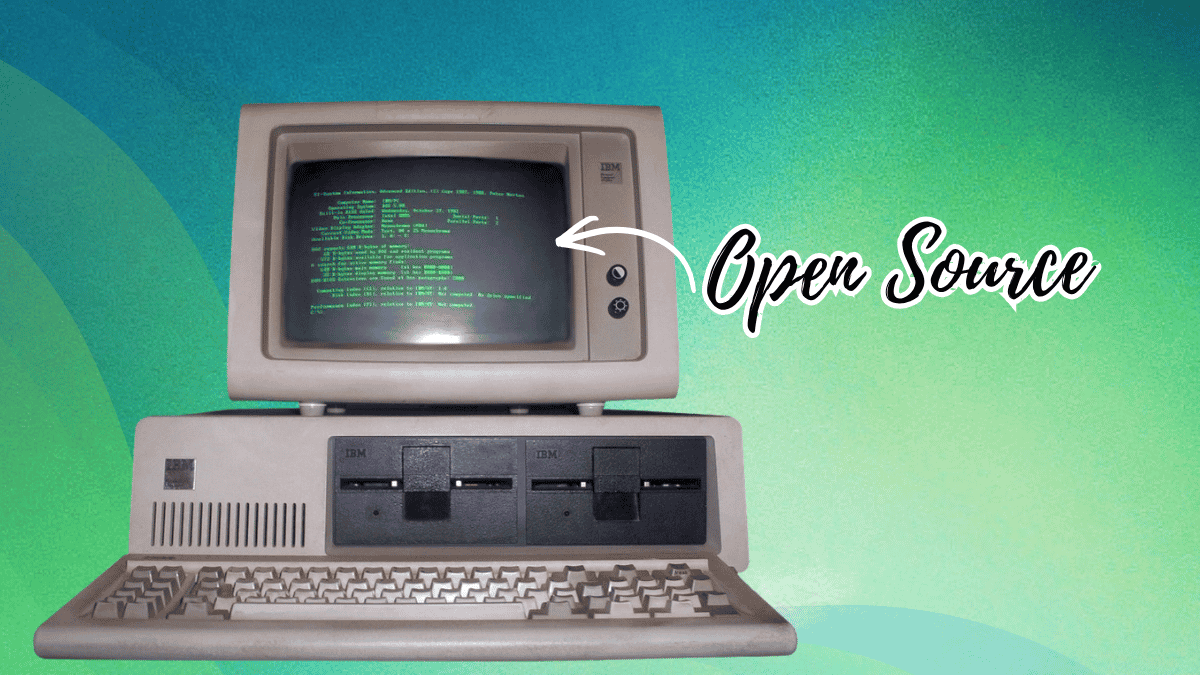
In April 2025, on the 45th anniversary of 86-DOS 1.00, Microsoft published the earliest known source code for the operating system that launched the PC revolution. Originally written by Tim Paterson at Seattle Computer Products as QDOS (Quick and Dirty Operating System) in 1980, the code was purchased by Microsoft for just under $100,000, rebranded as PC DOS 1.0 for IBM, and licensed to other manufacturers as MS-DOS. The repository, now available on GitHub under the MIT license, includes the 86-DOS 1.00 kernel, several development snapshots of PC-DOS 1.00, utilities like CHKDSK, and the original assembler. The source had to be recovered from physical assembler printouts and continuous-feed paper, painstakingly scanned and transcribed by historians. This guide walks you through obtaining, compiling, and running this historic code on modern systems—a perfect project for retro computing enthusiasts and low-level systems programmers.
Prerequisites
Before diving in, ensure you have the following:
- A 86-DOS or early MS-DOS environment – You’ll need the ASM assembler (Seattle Computer Products’ assembler). This is not a separate download; it’s included in early DOS releases. You can extract it from any 86-DOS or MS-DOS 1.x disk image.
- An emulator – To run the compiled OS, use PCem or 86Box (recommended for accuracy), or DOSBox if you’re just testing utilities. For full kernel execution, a cycle-accurate emulator is best.
- A text editor – To view and modify assembly source files. Any plain-text editor works; Notepad++ or VS Code with assembly syntax highlighting helps.
- Git – To clone the GitHub repository.
- Basic familiarity – Knowledge of assembly language (8086), command-line tools, and boot processes is helpful but not mandatory.
Step-by-Step Instructions
1. Clone the Repository
Open a terminal and run:
git clone https://github.com/microsoft/MS-DOS.git
cd MS-DOS
Inside, you’ll find the v1.0 folder containing the 86-DOS 1.00 kernel and PC-DOS 1.00 snapshots.
2. Set Up the Emulator Environment
Install and configure 86Box (preferred for accuracy). Download it from the official site. Create a new machine profile:
- CPU: Intel 8086 (or 8088 for realism)
- RAM: 64 KB (minimum for DOS 1.x)
- Floppy drive: 5.25-inch, 160 KB (single-sided, single-density)
- No hard disk required – we boot from floppy.
Prepare a blank floppy image (e.g., boot.img) using the emulator’s built-in tools or dd command (Linux/macOS).
3. Extract and Assemble the Source
The repository includes the ASM assembler binary in the tools directory. Copy it to your working folder. The kernel source files (DOS.ASM, MSDOS.ASM) contain assembly code that must be assembled using ASM. Run:
ASM DOS.ASM
ASM MSDOS.ASM
This produces .OBJ files. For the final executable (the bootable kernel), use the LINK utility (also included) to combine object modules into DOS.COM:
LINK DOS.OBJ,MSDOS.OBJ,IO.OBJ
Note: The IO.OBJ is a separate module (I/O system) that you’ll find alongside the kernel source. Ensure all objects are present.

4. Create a Bootable Floppy
Copy the resulting DOS.COM, plus COMMAND.COM (the shell) and utilities like CHKDSK.COM from the repository’s bin folder, onto the floppy image. The exact boot sector is already part of the compiled kernel; write the image to a virtual floppy using:
dd if=boot.img of=/dev/fd0 (Linux) # or use 86Box's “Write Image” functionIf using PCem, simply attach the image as the first floppy drive.
5. Boot and Verify
Start the emulator with the floppy image inserted. The machine should boot into 86-DOS (or PC-DOS 1.0) with the familiar A:\> prompt. Test a command:
CHKDSK A:You should see a disk-check report. Congratulations—you’re running the exact source code from 1981!
Common Mistakes
- Wrong assembler – You must use the ASM assembler from Seattle Computer Products, not MASM or TASM. The source syntax is specific to ASM.
- Insufficient memory – Early DOS requires only 64 KB RAM, but modern emulators often default to 1 MB. Set it exactly to 64 KB to avoid unexpected behavior.
- Missing object modules – The kernel links against
IO.OBJ. If you omit it, linking fails. Check the repository’sREADME.mdfor the exact module list. - Floppy format – 86-DOS 1.0 uses a single-sided, 40-track, 8-sector format. Many emulators create 720 KB images by default; you must specify 160 KB.
- Character encoding – The original assembly files use CP-437 (DOS OEM character set). Modern editors may show garbled characters in comments; use a hex editor or set encoding to CP-437.
Summary
Microsoft’s open-sourcing of 86-DOS 1.00 provides a rare glimpse into the roots of personal computing. By cloning the repository, setting up a proper emulation environment, and assembling the code with the original tools, you can experience the OS exactly as it ran on 1980s hardware. This project is ideal for retro computing fans, assembly language learners, and anyone curious about operating system internals. The full process—from source to boot—takes about an hour for an experienced user. Dive in and see where it all began!
Related Articles
- Conversational Ads Management: How Claude Plugins Turn API Specs into Chat Tools
- 8 Key Changes in the Latest Updates to A2UI and Flutter's GenUI Package
- Modernizing Go Code with the Revamped `go fix` Command
- How to Reduce Heap Allocations in Go with Stack-Efficient Slice Management
- Google Opens I/O 2026 Countdown Design to Developers via AI Challenge
- 10 Essential Insights into Information-Driven Imaging System Design
- 10 Crucial Updates About Python 3.15.0 Alpha 5
- Orchestrating Harmony: A Step-by-Step Guide to Scaling Multiple AI Agents